If you’ve been shopping for a laptop recently, you’ve probably seen the term “AI PC” everywhere. It’s showing up in product descriptions, advertisements, and tech reviews, often alongside promises of smarter features and better performance.
But what actually makes an AI PC different from a regular computer?
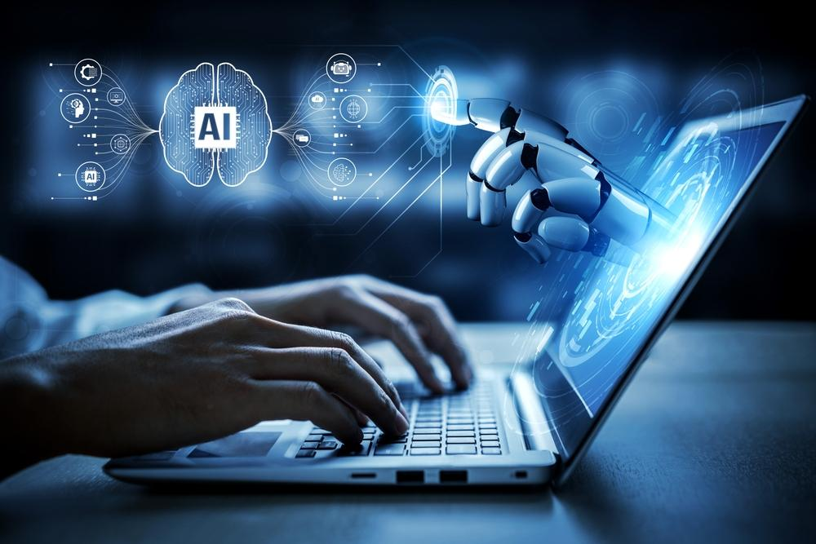
The answer is simpler than the marketing might suggest. An AI PC is designed to support more AI-related processing directly on the device itself. While traditional computers can still use AI-powered tools, AI PCs include hardware specifically built to help handle certain AI workloads more efficiently.
That doesn’t mean every task suddenly feels different. The real distinction comes down to how certain features work behind the scenes and where that processing takes place.
What Is an AI PC?
At a basic level, an AI PC is a computer designed to support modern AI-powered features and applications.
You can still browse the web, stream videos, answer emails, edit documents, and use your favorite apps just as you would on any other computer. The difference is that AI PCs are built with additional hardware designed to assist with tasks such as voice recognition, transcription, image processing, video enhancements, and other AI-driven experiences.
Many newer devices are also capable of running more AI solutions on the device rather than relying entirely on remote cloud servers.
This shift matters because software developers are increasingly building AI features into tools people already use every day. As those features become more common, manufacturers are designing hardware to support them more efficiently.
The Hardware Difference
Most computers rely on two primary components to handle workloads:
- The CPU, which manages general computing tasks
- The GPU, which handles graphics and large parallel workloads
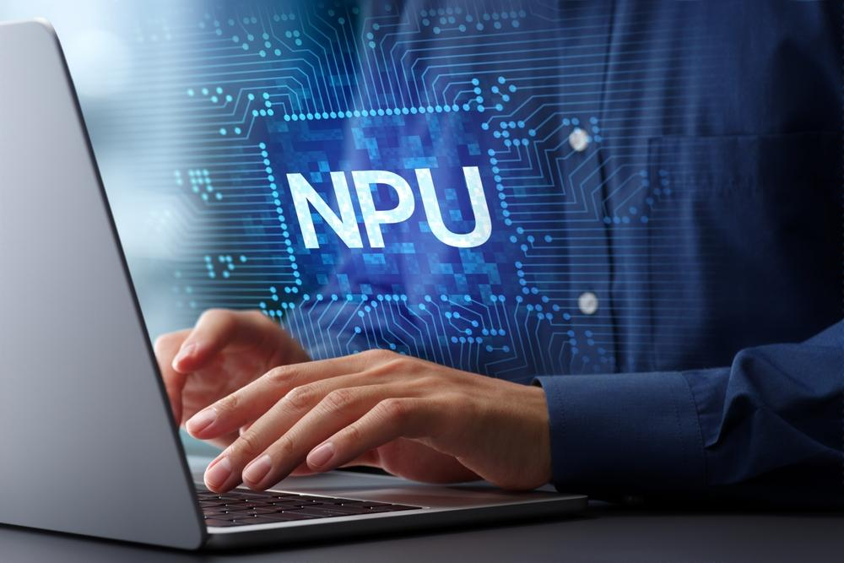
Many AI PCs introduce a third component called an NPU, or Neural Processing Unit.
An NPU is designed specifically for certain AI-related tasks. Instead of asking the CPU or GPU to handle everything, the NPU can take on workloads such as live captions, background effects, voice processing, and other AI-powered functions.
This is one reason you’ll often see manufacturers discuss the TOPS needed to handle AI apps when comparing devices. TOPS, which stands for Tera Operations Per Second, is one measurement used to estimate AI processing capability.
For most buyers, the specific number matters less than what it represents. Higher AI processing capability can help supported features run more efficiently without placing as much strain on the rest of the system.
Where You’ll Actually Notice a Difference
One of the biggest misconceptions about AI PCs is that they’ll completely transform the computing experience.
In reality, the differences tend to show up in specific situations.
You may notice improvements in:
- Video calls that use background blur, noise reduction, or automatic framing
- Live transcription and captioning tools
- AI-assisted photo and video editing features
- Smart search tools that understand context instead of exact keywords
- Productivity tools that summarize information or organize content
For someone who spends hours each week in meetings, creates content regularly, or uses AI-powered software throughout the day, those improvements can add up.
For someone who primarily browses the web, streams content, and checks email, the difference may be much less noticeable.
That is why the value of an AI PC often depends more on how you use your computer than on the label itself.

On-Device AI vs. Cloud AI
Another important distinction is where the AI processing happens.
Many AI tools today rely on cloud computing. When you use an AI chatbot or image generator, much of the work is often performed on remote servers before the results are sent back to your device.
AI PCs are designed to support more on-device processing for compatible tasks.
Potential benefits of on-device AI include:
- Faster responses for certain features
- Reduced dependence on an internet connection
- Improved power efficiency for supported workloads
- Additional privacy for some types of processing
That does not mean cloud AI is going away. In fact, many of the most advanced AI tools still rely heavily on cloud infrastructure.
Most people will continue using a mix of both. The difference is that AI PCs are designed to support a broader range of AI experiences locally when software allows for it.
For readers interested in the technical side of how developers make AI models smaller and more efficient for local hardware, developments in quantization AI news offer a useful look at how on-device AI continues to evolve.
Do You Need an AI PC?
Whether an AI PC makes sense depends largely on your needs.
If you’re already using AI-powered productivity tools, creative software, transcription services, video conferencing platforms, or accessibility features, an AI PC may provide benefits that become more noticeable over time.
If your current computer comfortably handles your daily tasks and you rarely use AI-powered features, there may be less urgency to prioritize AI-specific hardware right now.
For many shoppers, the better question is not “Do I need an AI PC?” but rather “Which features do I expect to use over the next few years?”
As software continues to evolve, AI-powered functionality is becoming more common across operating systems and applications. Following developments in AI hardware news can help provide context for how manufacturers are approaching these changes and which capabilities are becoming standard in newer devices.
You’ll also see growing interest in platforms such as Ryzen AI, which are designed specifically to support AI-enhanced computing experiences and on-device processing capabilities.
So What’s the Real Difference?
The simplest explanation is that both AI PCs and traditional computers can run many of the same applications and perform many of the same everyday tasks.
The difference is that AI PCs include hardware designed to better support AI-powered features, particularly those that can run directly on the device.
For some users, that may translate into a smoother experience when using AI-enhanced tools for work, creativity, communication, or accessibility. For others, the differences may be more subtle today and become more noticeable as software continues to incorporate AI into everyday computing.
The important thing isn’t whether a device carries the label “AI PC.” It’s understanding what those capabilities enable and whether they align with how you actually use your computer.